KeyCreator has all the mechanical drawing features you expect and some you can’t find anywhere else. Whether you work with drawings every day or only need to access them occasionally, KeyCreator makes your work easier.
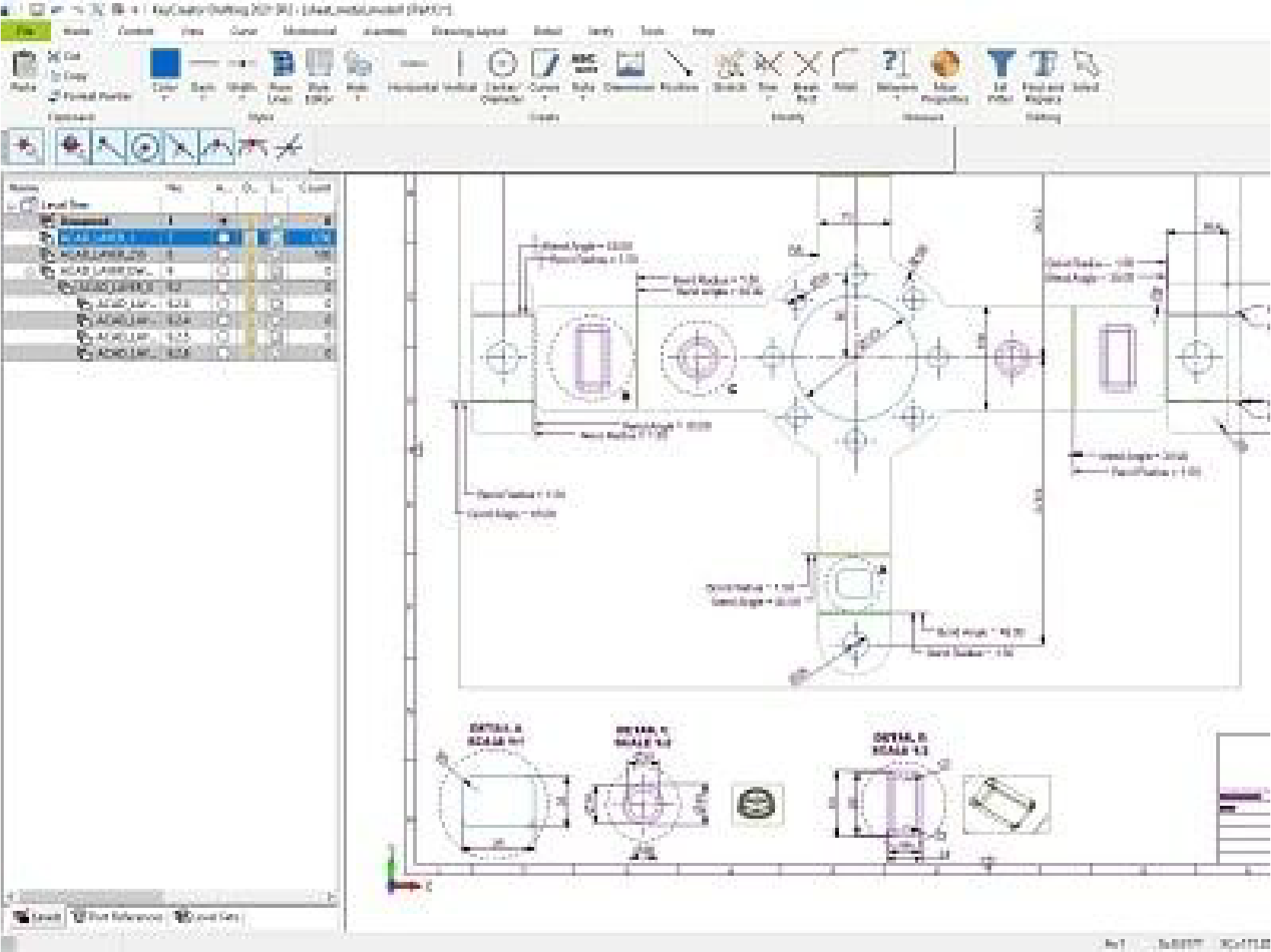
Directly read native drawings from a wide range of CAD systems including CATIA V5, CATIA V4, PTC Creo, Siemens NX, SOLIDWORKS, Solid Edge, DWG or DXF and CADKEY
Maintain full control to revise drawing views, revision blocks and add dimensions without the original CAD software
Review and combine 2D data from multiple sources into a single drawing
Mark up and redline drawings
Export drawings as PDF or DXF or DWG
Generate Drawings Rapidly from Solids
Create automated drawing views and custom borders as layouts within the main file
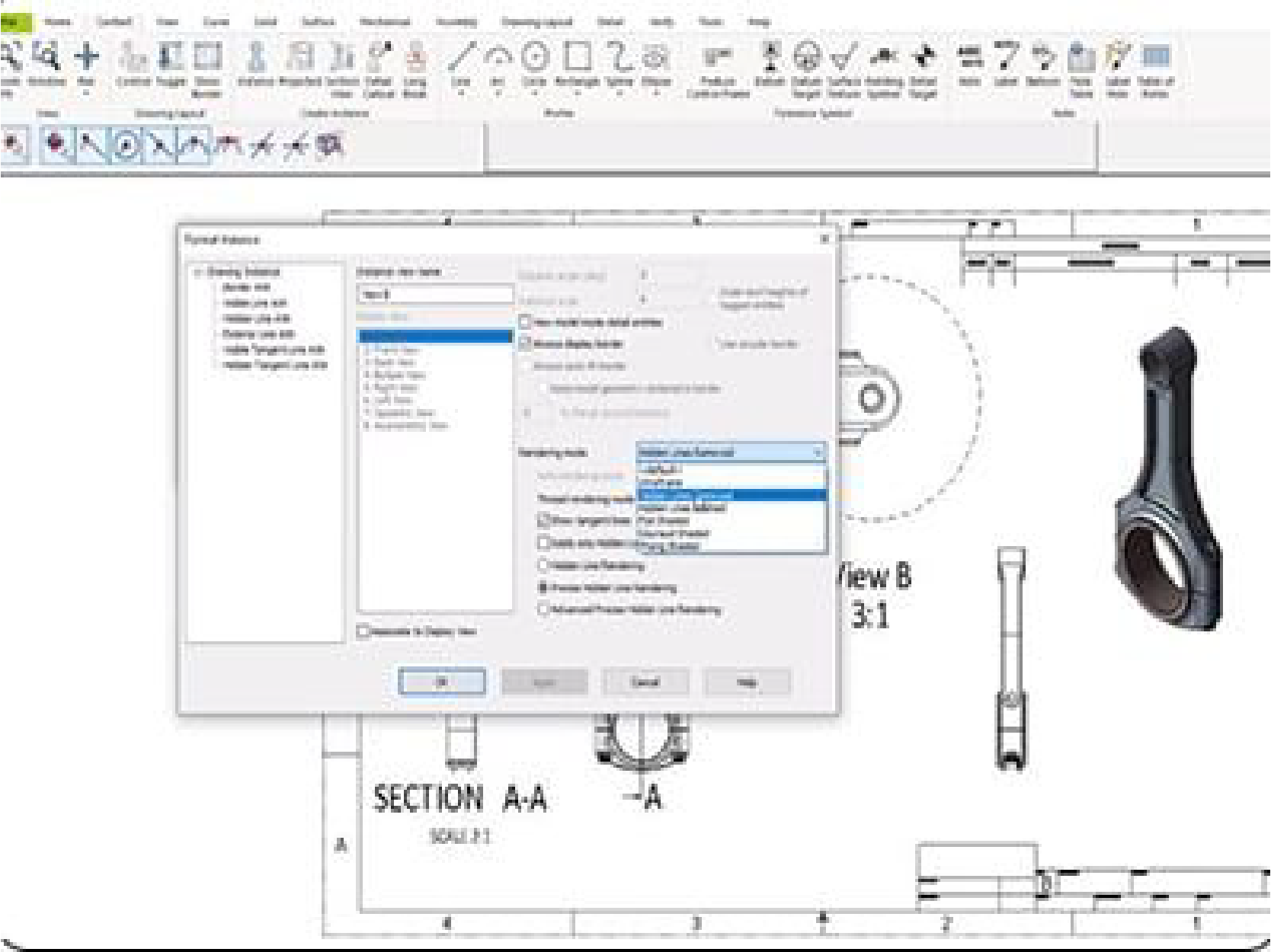
Adjust view content and appearance with comprehensive control
Add section, detail and shaded isometric views quickly
Produce professional grade detailing with an easy to learn workflow
Import solids from major CAD systems and rotate, slice and measure with ease
Save Time with Optimised Traditional Drawing and Construction Tools
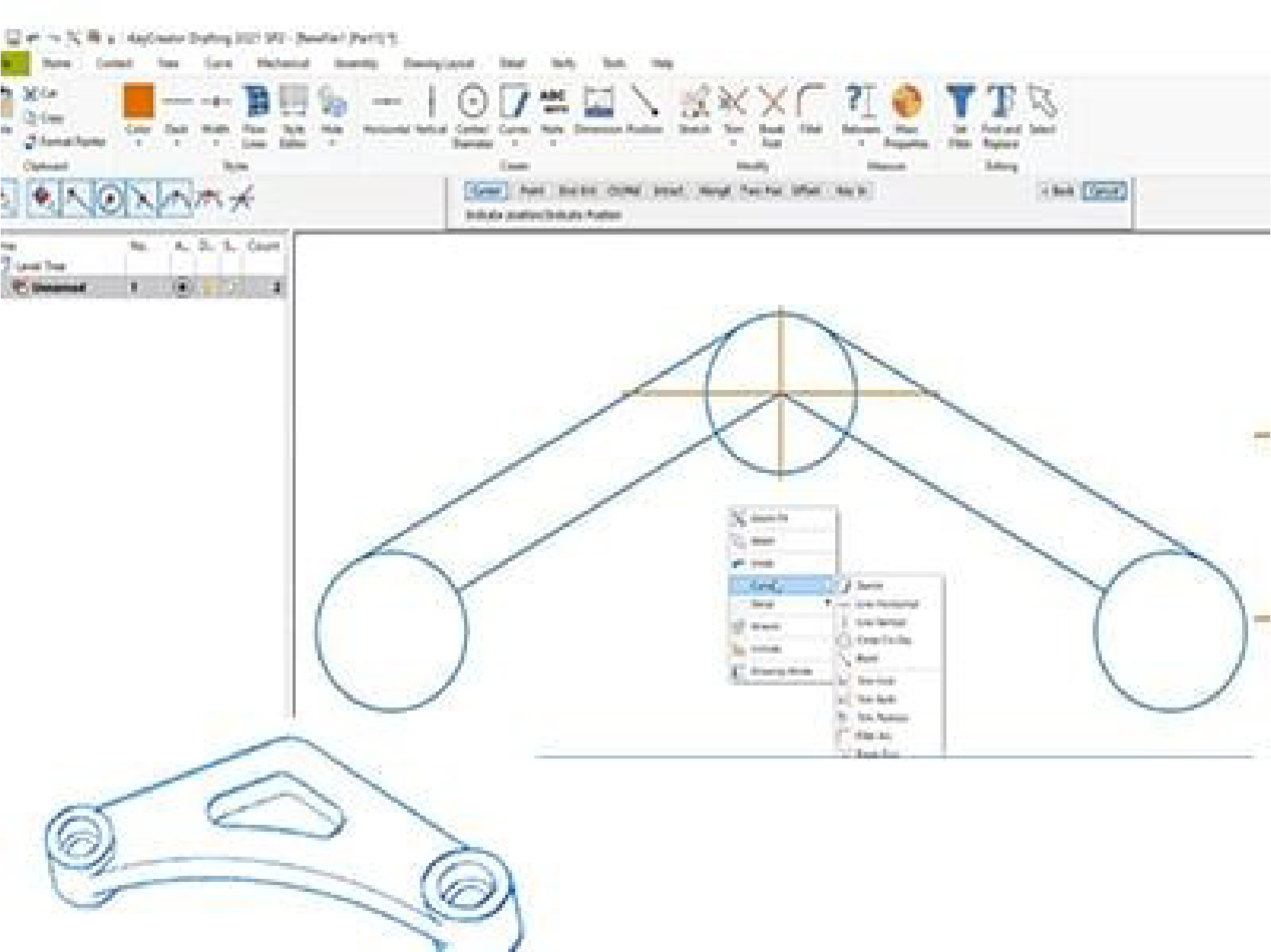
Efficient, mature curve construction and editing
Advanced positioning and selection tools
Move, copy and mirror entities using the powerful DynaHandle
Manage Complex Drawings Efficiently
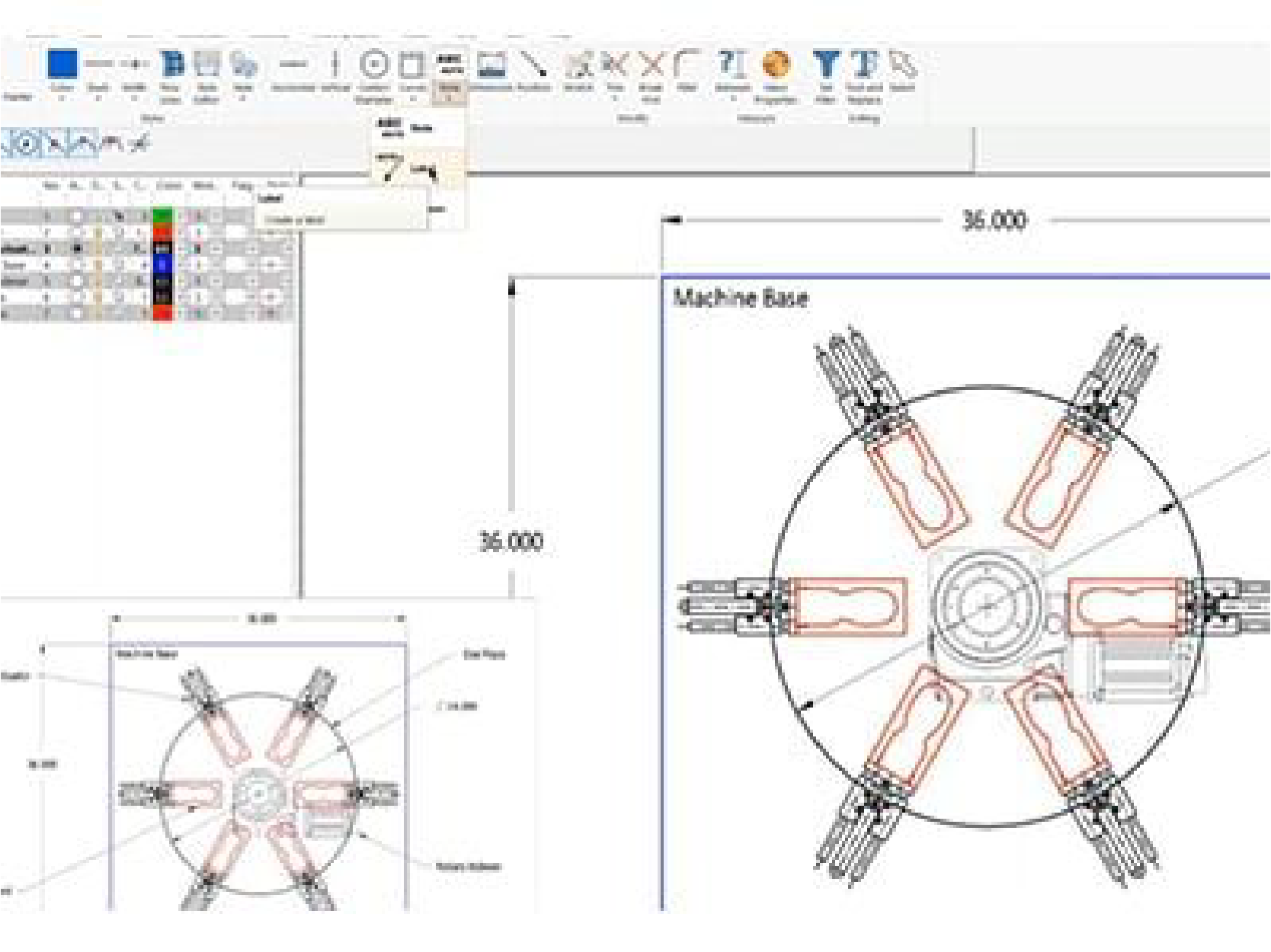
Organise objects using levels and sub-levels, with entity naming, external references, and custom properties
Quickly insert symbol entities from a built-in component library
Build and manage a custom 2D object library, optionally created from 3D models
Access a complete set of structural shapes, fasteners, and machined hole features
Navigate detailed drawings using custom captures, multiple viewports, and hover tooltips for instant feedback
Apply entity style properties to improve visualisation and enable efficient selection filtering
Solve Manufacturing Design and Configuration Problems
Plan equipment fit and attachment points
Extract precise 2D geometry from 3D part models
Use simple layer approach to manage geometry based on function in the design
KeyCreator Drafting is a professional 2D CAD drafting solution focused on creating, editing, and maintaining precise technical drawings. It is designed for users who need fast, reliable 2D documentation without the complexity of full 3D modelling.
KeyCreator Drafting is ideal for drafters, engineers, manufacturing teams, and technical professionals who work mainly with 2D drawings such as layouts, schematics, and production documentation.
You can create detailed manufacturing drawings, layouts, assembly drawings, and technical schematics. The software focuses on accuracy, clarity, and speed when producing production-ready documentation.
KeyCreator Drafting is purpose-built for 2D work. It removes unnecessary complexity and focuses on drafting speed, precision, and ease of editing, which is especially useful in production and manufacturing environments.
Yes. KeyCreator Drafting uses familiar drafting concepts and commands, making it approachable for users with prior 2D CAD experience. Many users become productive quickly without long training cycles.
Yes. KeyCreator Drafting is commonly used in manufacturing to create and update shop-floor drawings, tooling layouts, and production documentation where fast edits and accuracy are critical.
Yes. KeyCreator Drafting is often used alongside other CAD tools to view, edit, or correct 2D drawings without needing to return to the original design system.
Yes. SolidCAD provides local technical support for KeyCreator Drafting, assisting with installation, licensing, updates, and day-to-day drafting questions so users can stay productive.
Yes. KeyCreator Drafting works well as a standalone 2D CAD solution for organisations that do not require 3D modelling but still need professional drafting and documentation capabilities.
KeyCreator Drafting offers a focused, efficient approach to 2D CAD, making it a strong choice for teams that value speed, accuracy, and straightforward drafting without unnecessary overhead.