Product

KeyCreator Pro

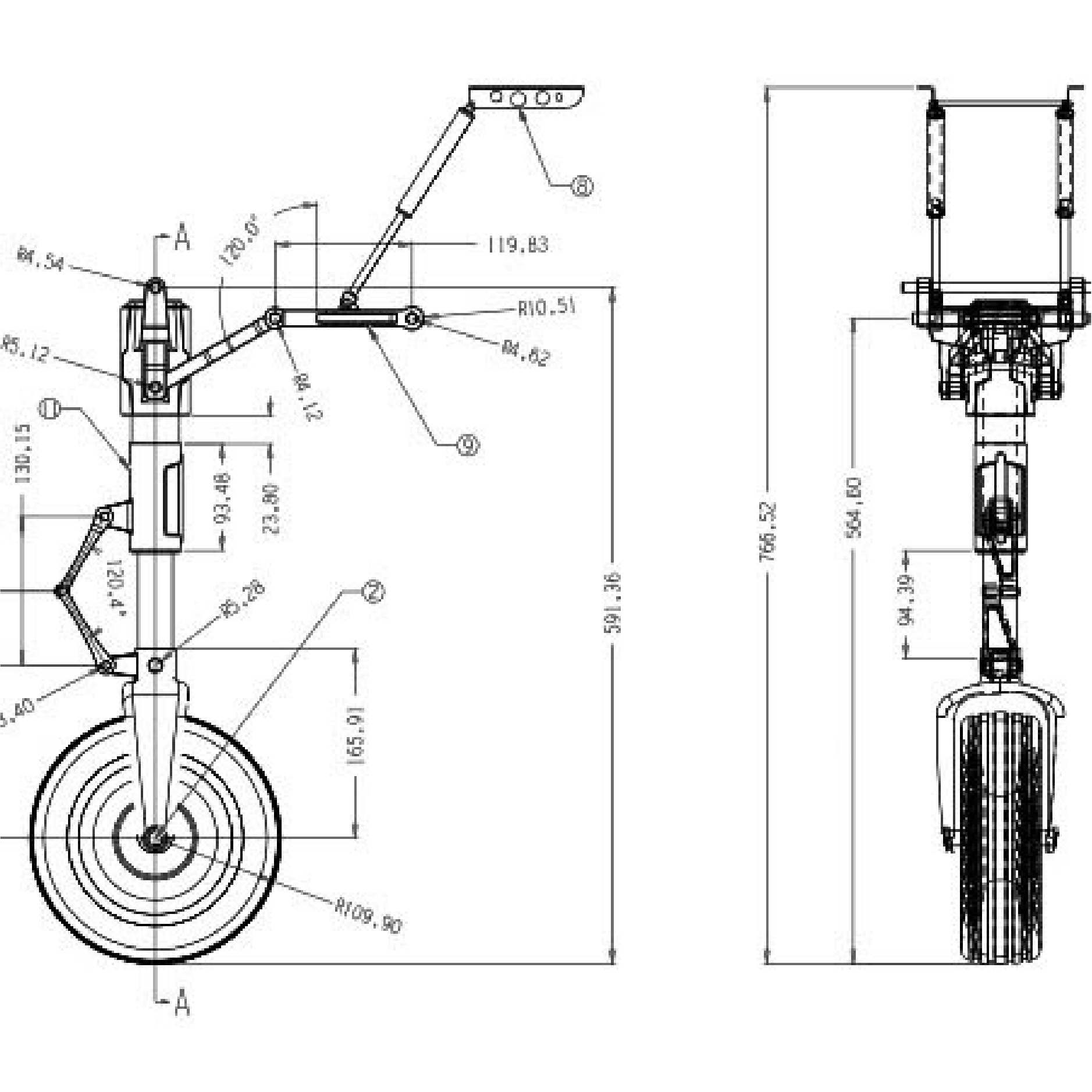
KeyCreator Pro provides the complete set of KeyCreator design and drafting commands and maintain the classic pull-down menus, icon palettes, customisable toolbars, and keyboard shortcuts interface. It allows native drawing imports as well as PMI imports. In addition, you can take advantage of the 2- and 3-Axis NC Machining solutions.

Request a Quote

Features

Quickly build precise models

Quickly build precise models

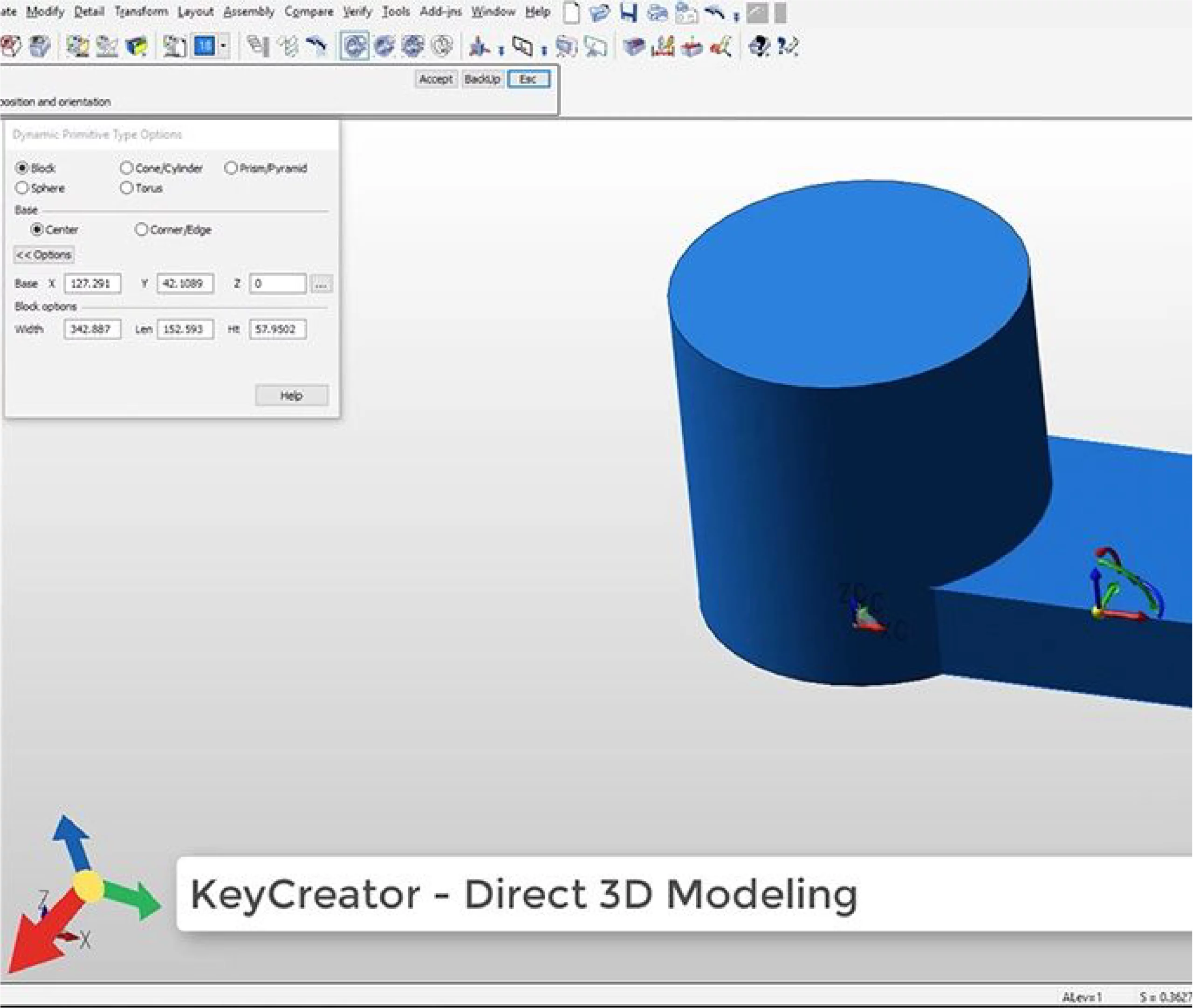
  • Create powerful 3D sketches of shapes such as blocks, cylinders and curves
  • Develop complex geometry using sweep and loft of profiles and edges
  • Use simple unite and subtract or trim operations to save time
  • Insert construction planes at any stage to position entities and profiles accurately in 3D space
Maximise productive re−use of CAD data from anywhere

Maximise productive re−use of CAD data from anywhere

  • Support for reading models, PMI and drawings from major MCAD file types including SOLIDWORKS, CATIA, Creo and NX
  • Quickly derive tooling and fixturing models from faces, edges, positions and planar slices, with measurements
    taken directly from the product model
  • Instantly recognise basic features and identify geometric patterns across faces and repeated parts
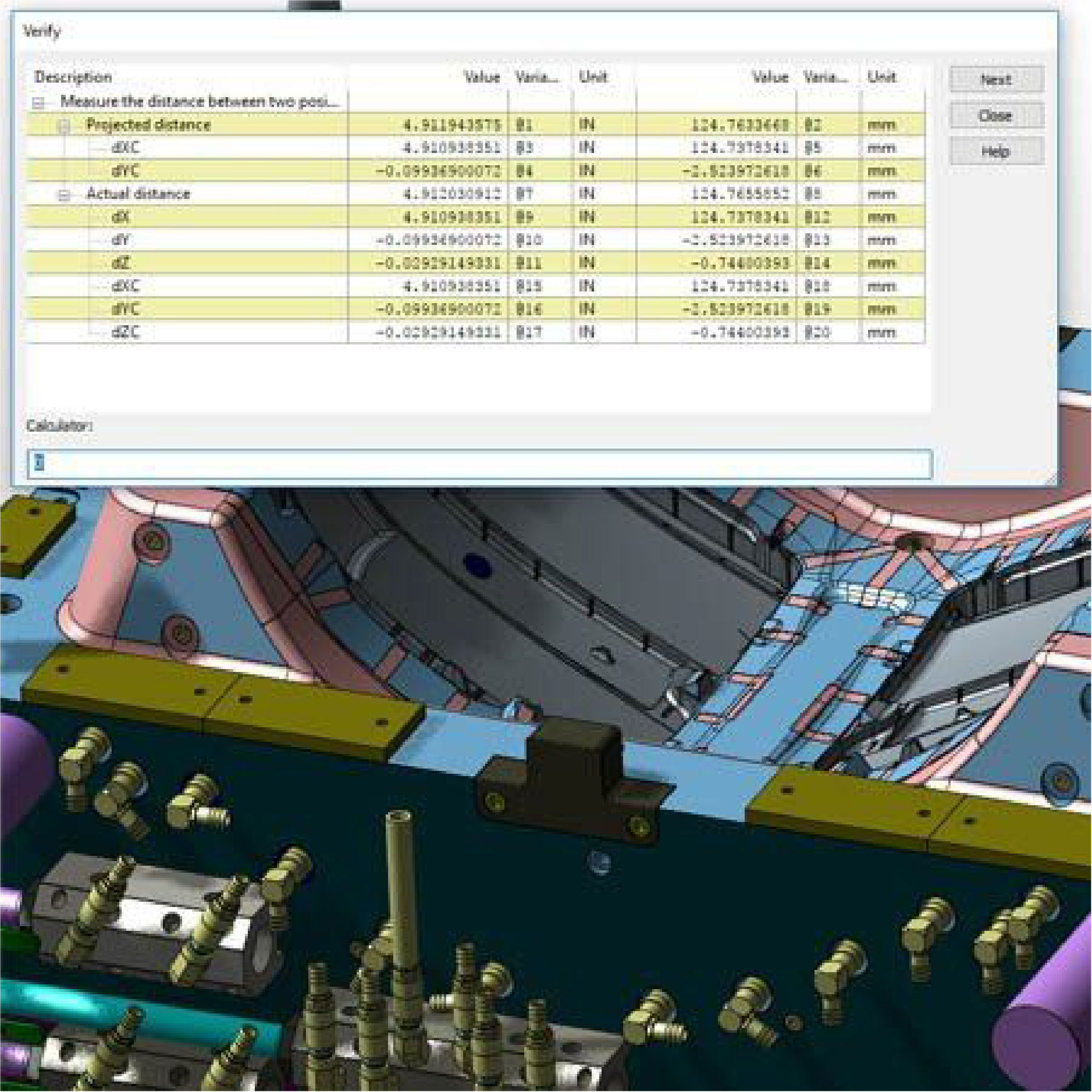
  • Interrogate imported models using a complete set of geometry verification, repair and measurement tools
  • KeyCreator hybrid modelling enables removal of problematic faces, surface rebuilding and restoration of
    watertight solids
Optimise data structure to suit the size and scope of each project

Optimise data structure to suit the size and scope of each project

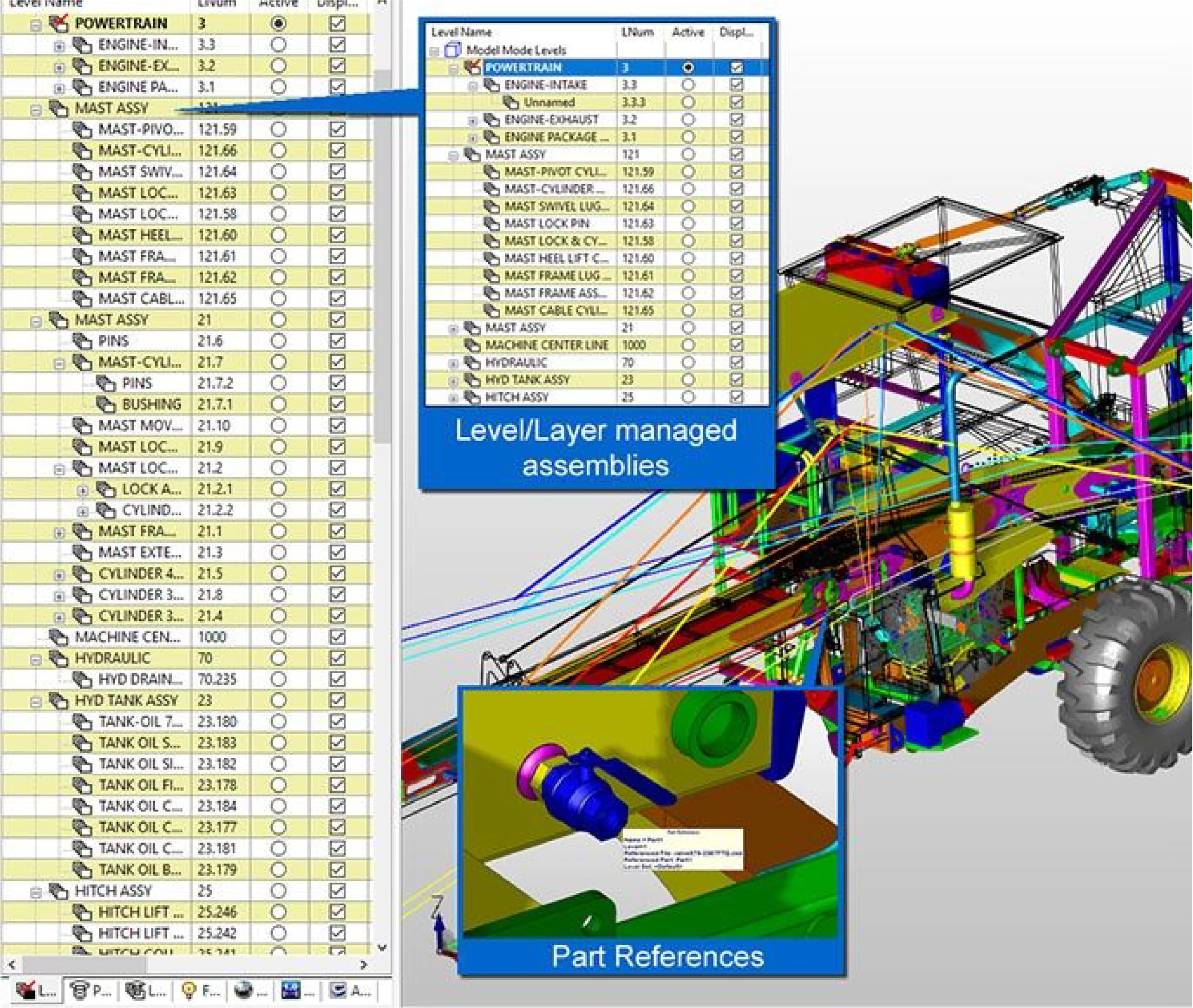
  • Organise complex designs using attributes and levels within a single file to avoid overcomplicated data management
  • Flexibly link or unlink external files to manage large designs and repeated parts or assemblies
  • Keep associated drawings within the project file or optionally link them to separate files
Respond quickly to unexpected design changes

Respond quickly to unexpected design changes

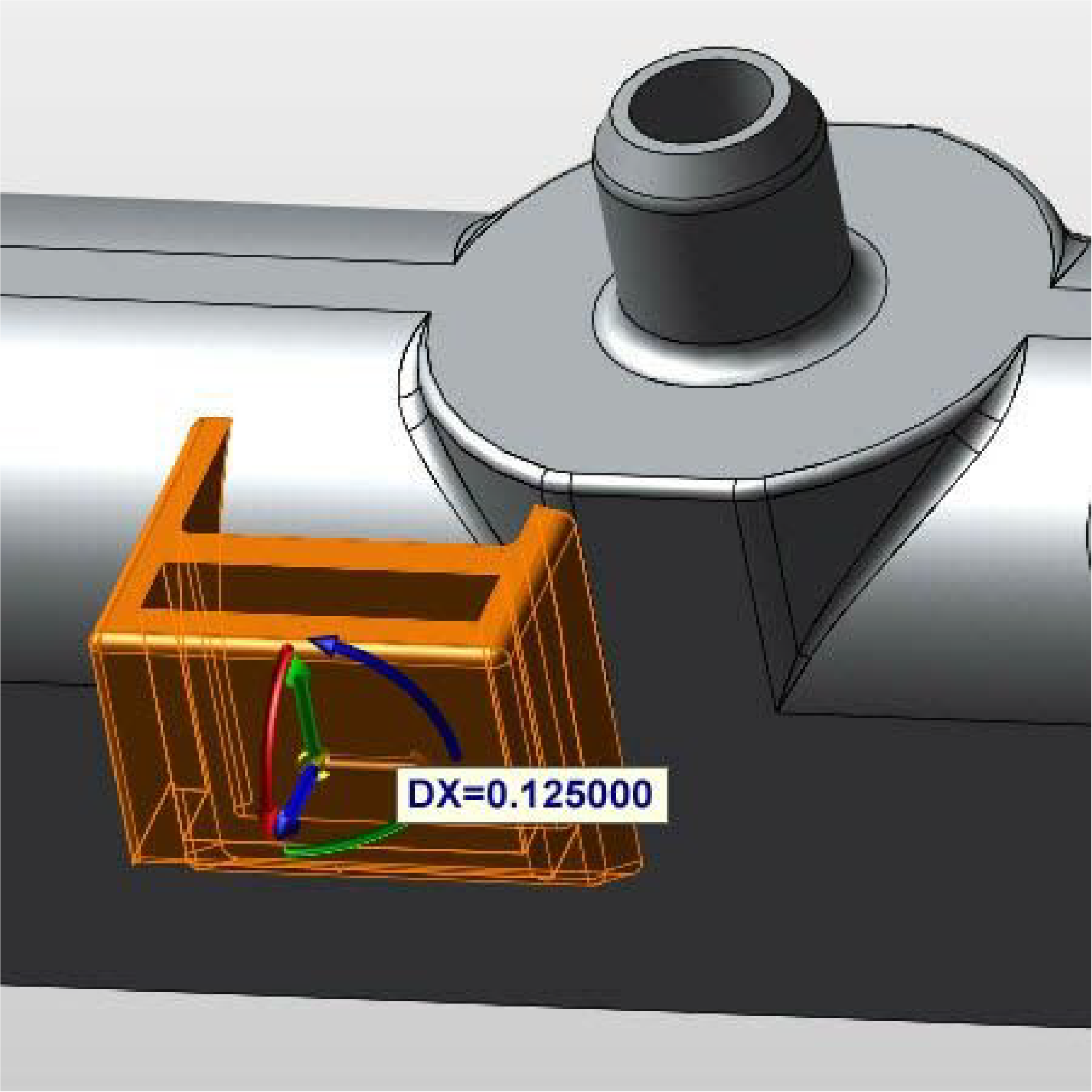
  • Drag faces, features and entities along construction axes
  • Control face edits intuitively using 3D dimensions as temporary constraints
  • Move or remove faces and entities without relying on or complicating design history
Simplify programming of your NC machine

Simplify programming of your NC machine

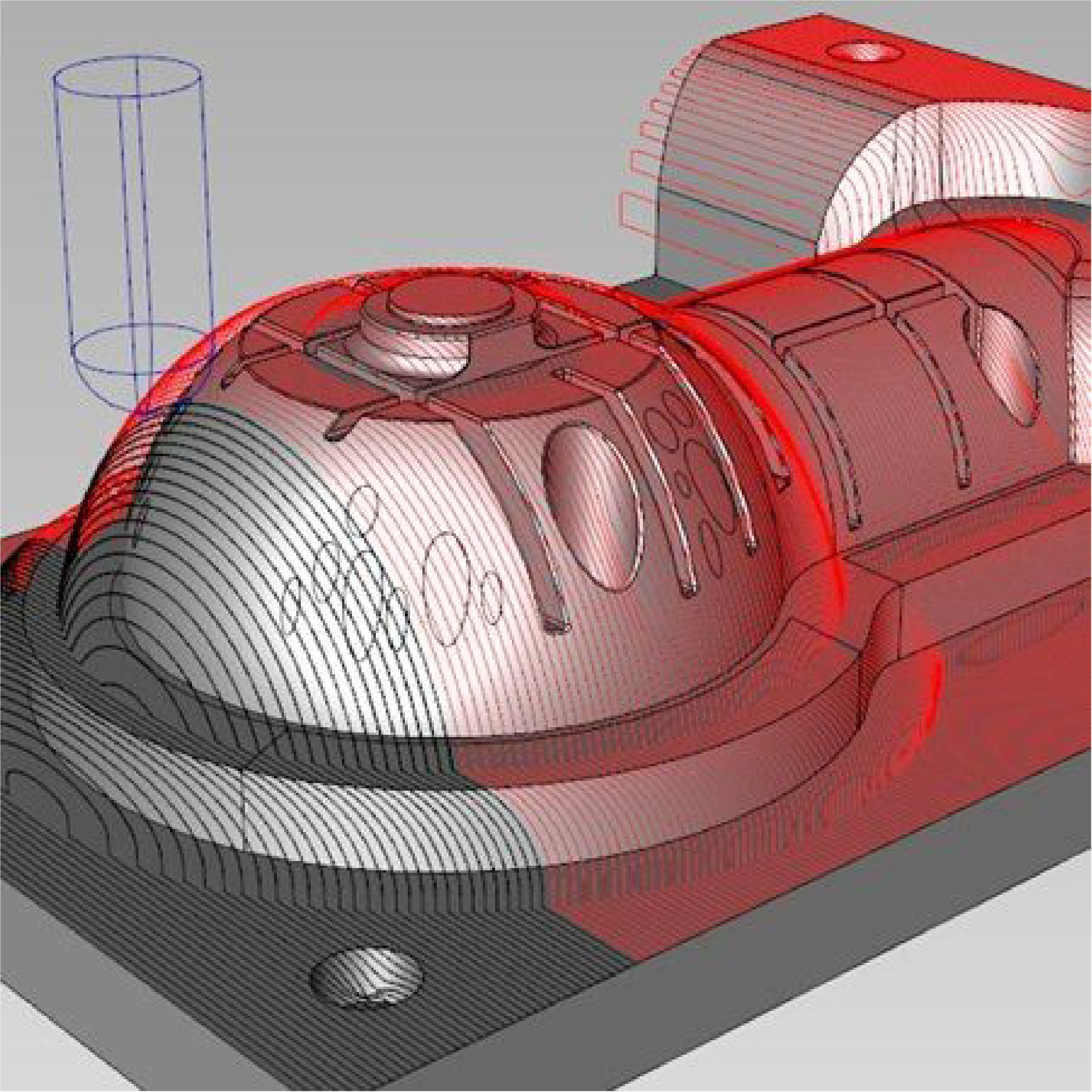
  • Generate 2 to 3 axis and wire EDM toolpaths quickly
  • Store toolpaths as part of your model like any other entity
  • Define stock areas and rapid planes to reduce tool travel time
  • Configure post processing of toolpaths into G code
  • Export curves as DXF toolpaths for industrial or artistic cutting
Leverage a complete set of drawing functions

Leverage a complete set of drawing functions

  • Create drawings, views, symbols and details with full control over scaling, formatting and automatic updates
  • Manage legacy drawings using traditional 2D drafting
    methods such as layering and selection by colour and line styles
  • Customise detail settings to support national, corporate
    and customer standards
  • Export drawings to PDF or share using the free KeyCreator Viewer

Where did you hear about us?