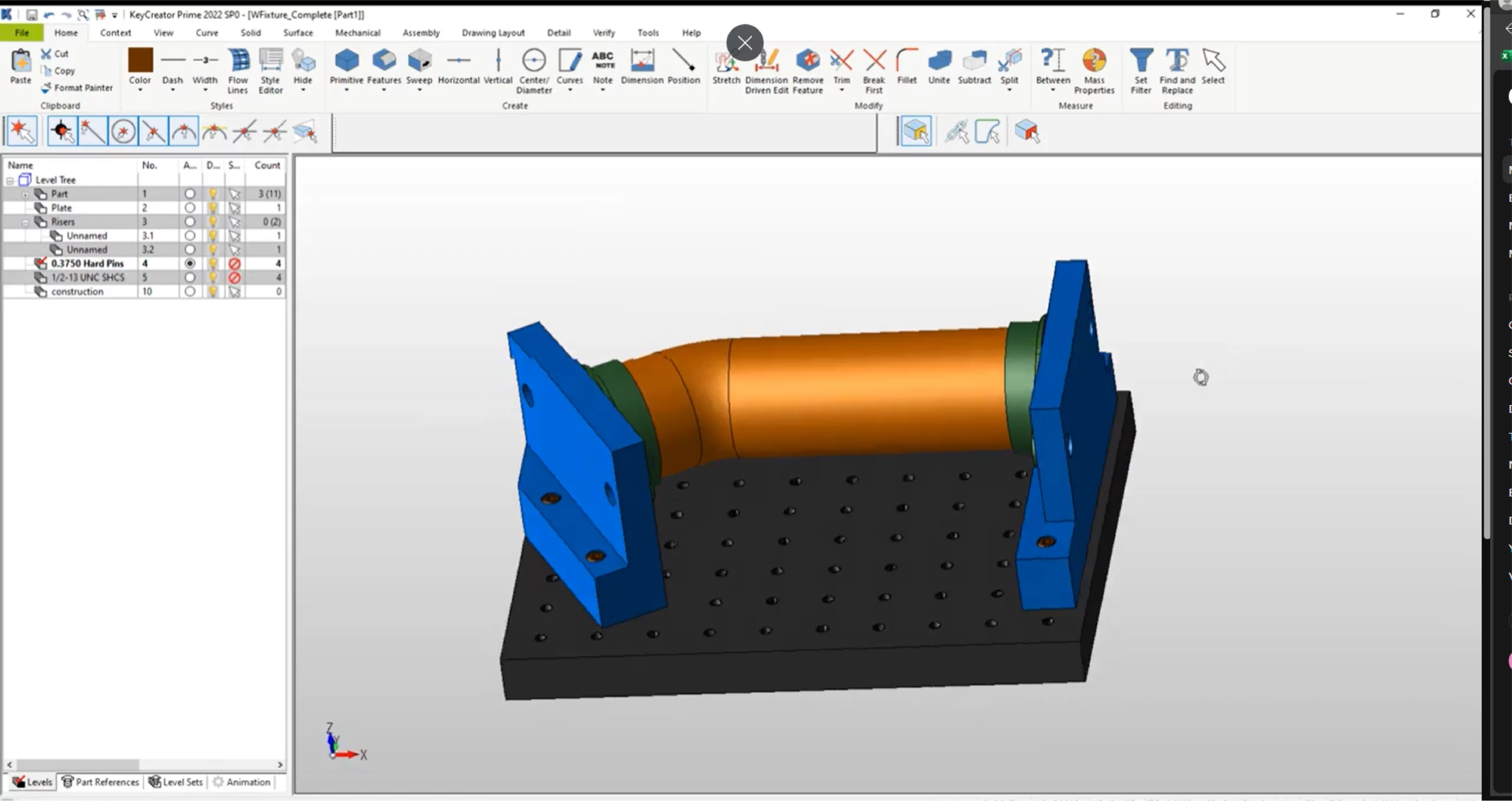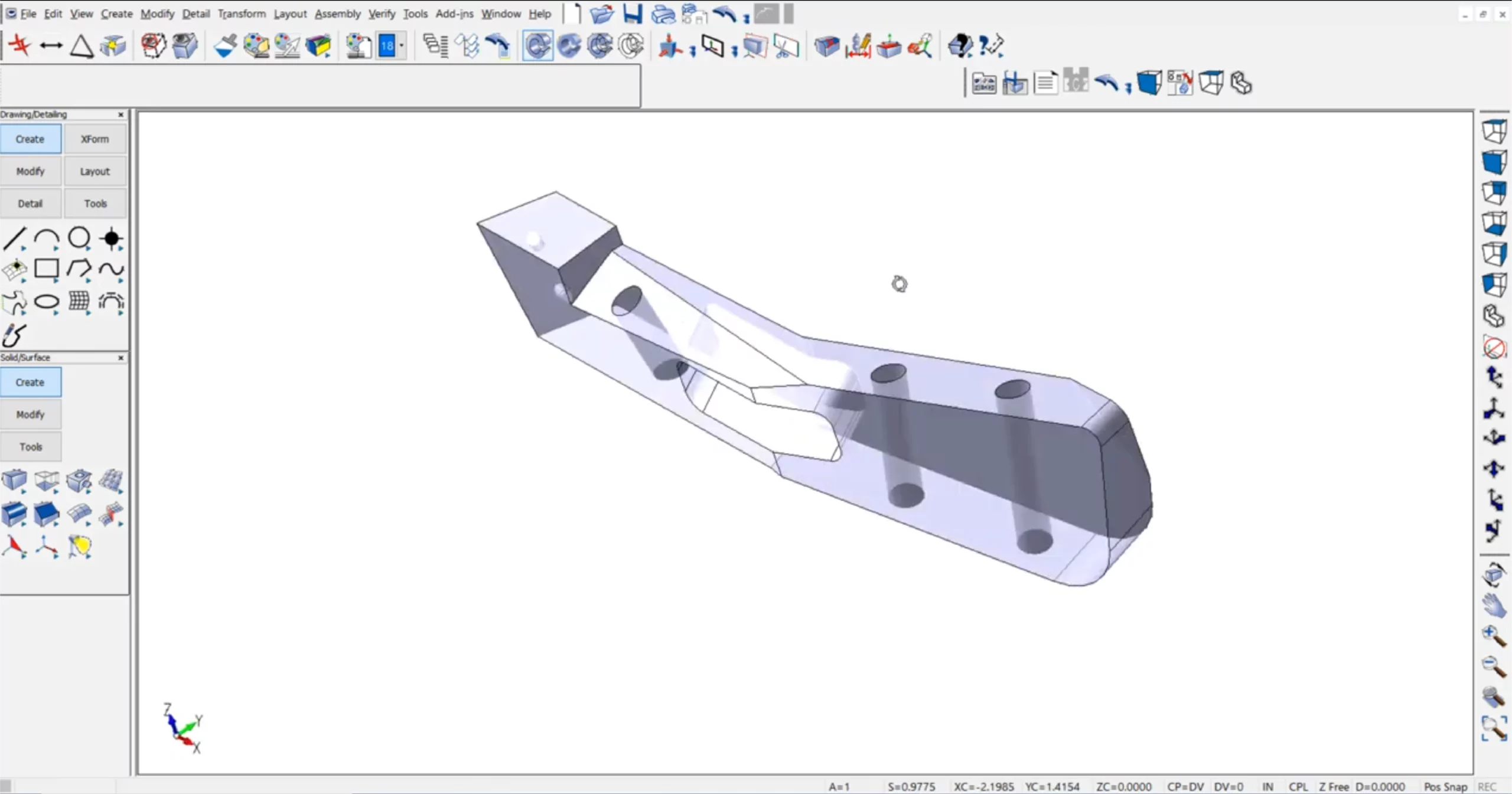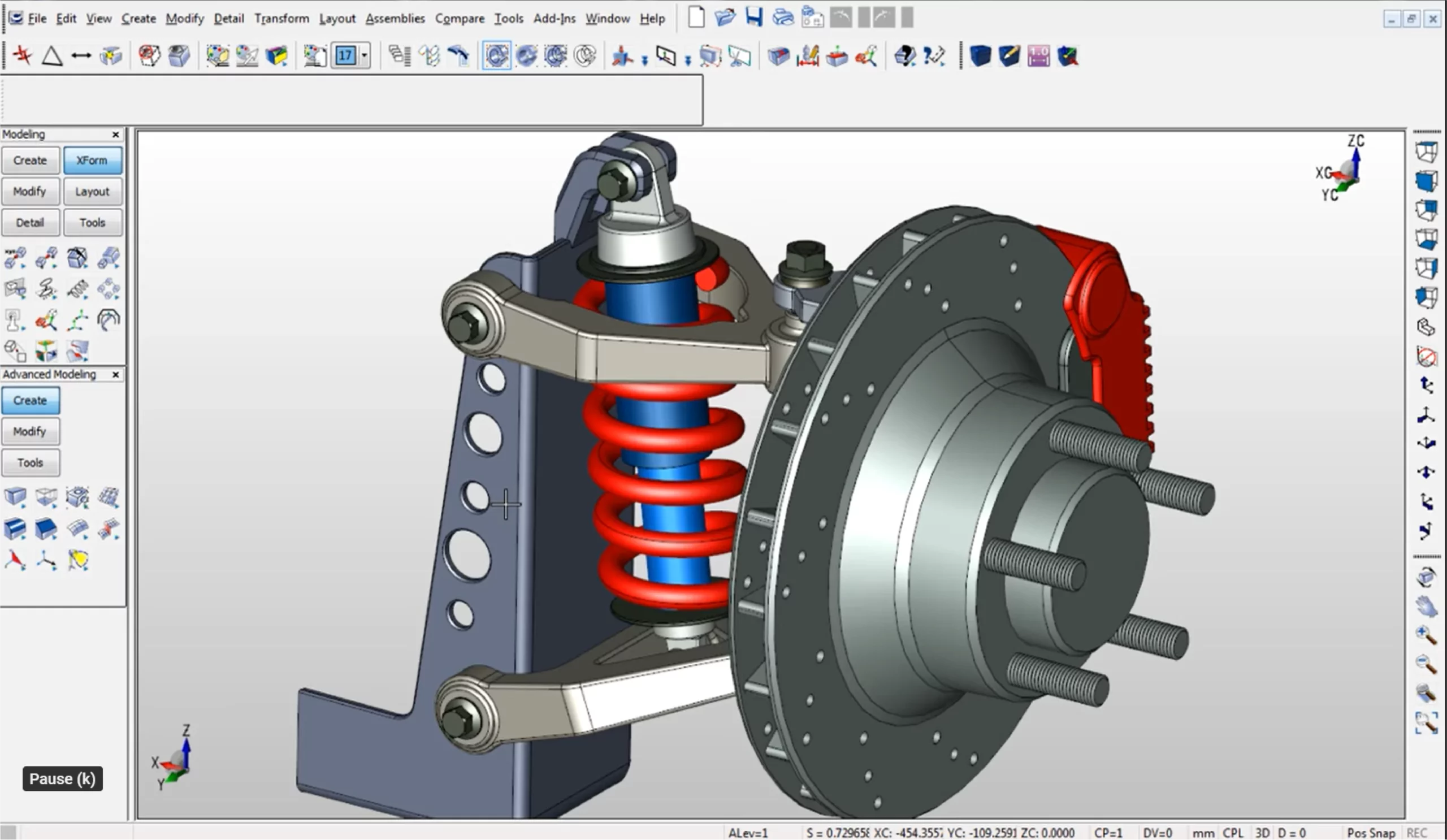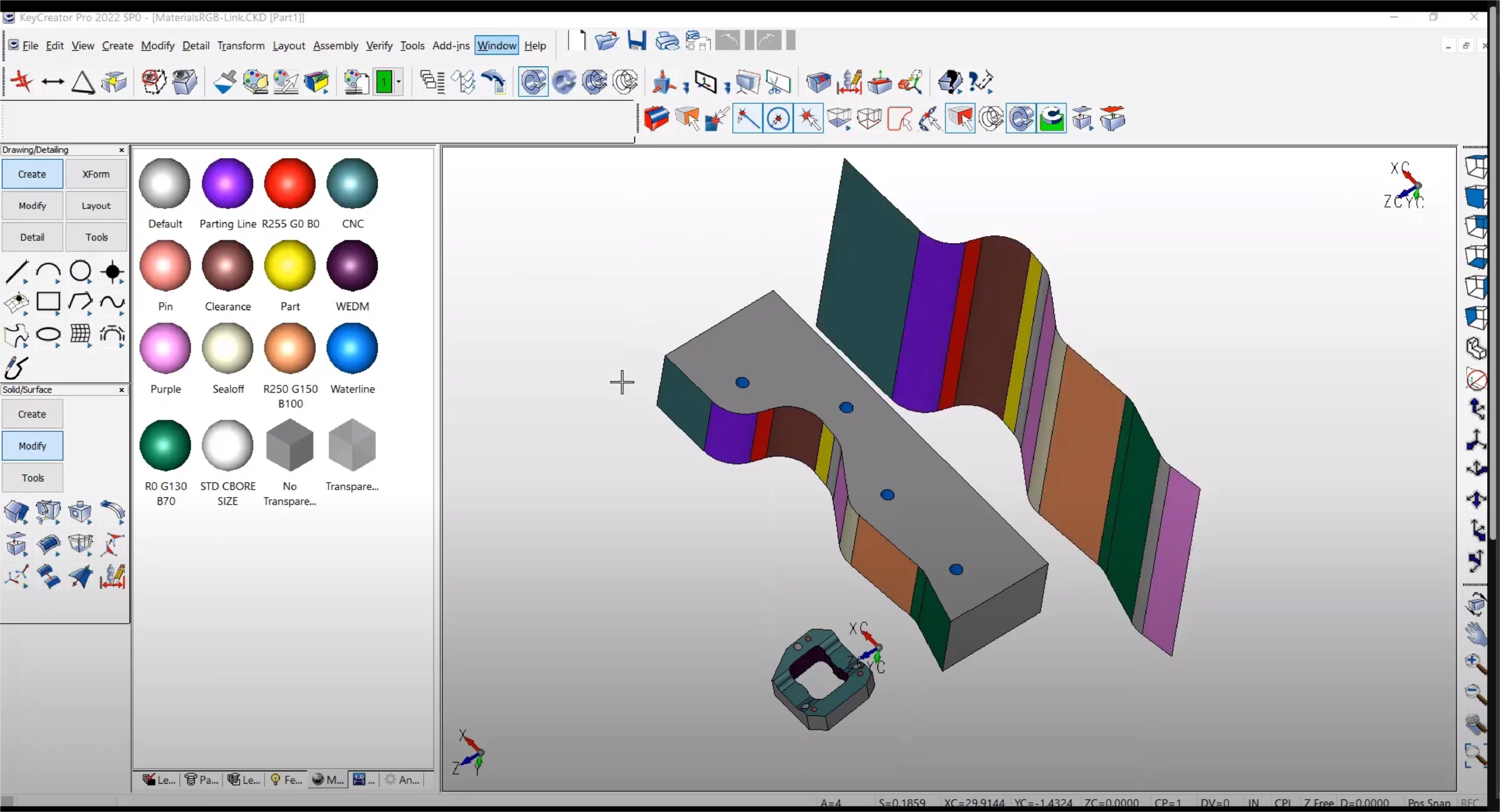
KeyCreator Pro provides the complete set of KeyCreator design and drafting commands and maintain the classic pull-down menus, icon palettes, customizable toolbars, and keyboard shortcuts interface. It allows native drawing imports as well as PMI imports. In addition, you can take advantage of the 2- and 3-Axis NC Machining solutions.
KeyCreator Pro is a professional CAD solution that combines 2D drafting and 3D direct modelling in a single environment.
It is known for allowing users to edit geometry directly, without relying on a feature history, making design changes faster and more flexible.
KeyCreator Pro is ideal for engineers, designers, and manufacturing teams who regularly work with imported CAD data or need to make fast design changes. It suits users who value flexibility and speed over history-based modelling.
Unlike history-based CAD systems, KeyCreator Pro uses direct modelling. This means users can push, pull, move, and modify geometry directly, without worrying about rebuilding feature trees or breaking design history.
Yes. KeyCreator Pro supports full 2D drafting and 3D solid and surface modelling in the same workspace. Users can move between 2D and 3D without switching tools or software.
Yes. KeyCreator Pro is well known for its broad CAD file compatibility. It can open and edit data from many other CAD systems, making it useful for working with customer, supplier, or legacy design files.
Yes. KeyCreator Pro is commonly used in manufacturing environments to modify incoming CAD data, prepare models for tooling, and create accurate production drawings. Its direct modelling approach is especially useful for last-minute changes.
KeyCreator Pro is designed to be intuitive, especially for users familiar with traditional drafting. Because it does not rely on complex feature trees, many users find it easier to learn and faster to use for day-to-day design changes.
Yes. KeyCreator Pro is often used alongside other CAD systems as a flexible editing and problem-solving tool. It allows teams to adjust and repair geometry without returning models to the original design system.
Yes. SolidCAD provides local technical support for KeyCreator Pro, including help with installation, licensing, and everyday usage questions.
Yes. SolidCAD can help assess your current CAD environment and advise whether KeyCreator Pro is best used as a primary design tool or as a complementary solution alongside existing CAD systems.
Using KeyCreator Pro through SolidCAD gives you access to local expertise, reliable support, and guidance that ensures the software is implemented effectively and delivers long-term value.